
Helping people understand people.
Know what they need. Design great experiences.
Get to know people
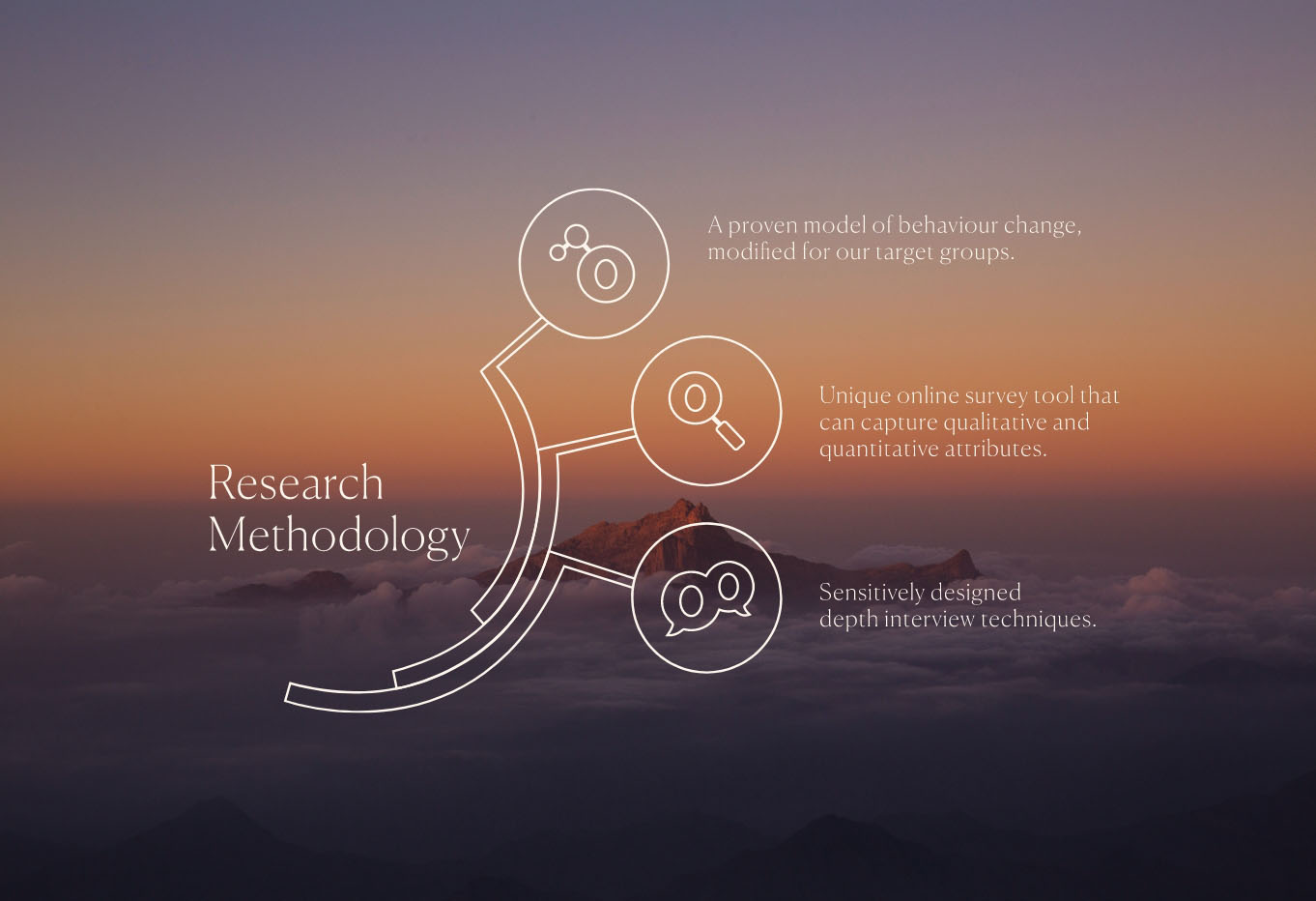
Using innovative evidence-based insight, our researchers and data scientists will help you understand the needs and journeys of people that buy, use or influence the purchase of your services.
Create ‘good growth’
Putting customer experience at the heart of what you do, our strategy team will collaborate on the implementation of a CX programme that considers culture, process and infrastructure.
Build great experiences
Bring inspirational and exciting experiences to life for your customers, with help from our creative experience and technology development teams.
After 3 waves of research into the impact of COVID, we are now inviting participant organisations to join a first of its kind study looking at people's thoughts and perceptions of the impact of AI - people specifically connected to the organisation. The output will be relevant in considering AI-driven transformation to all leaders of change on behalf of staff, customers, service users, supporters or members.
The survey will be in field for 10 weeks from September and will publish in December 2024.

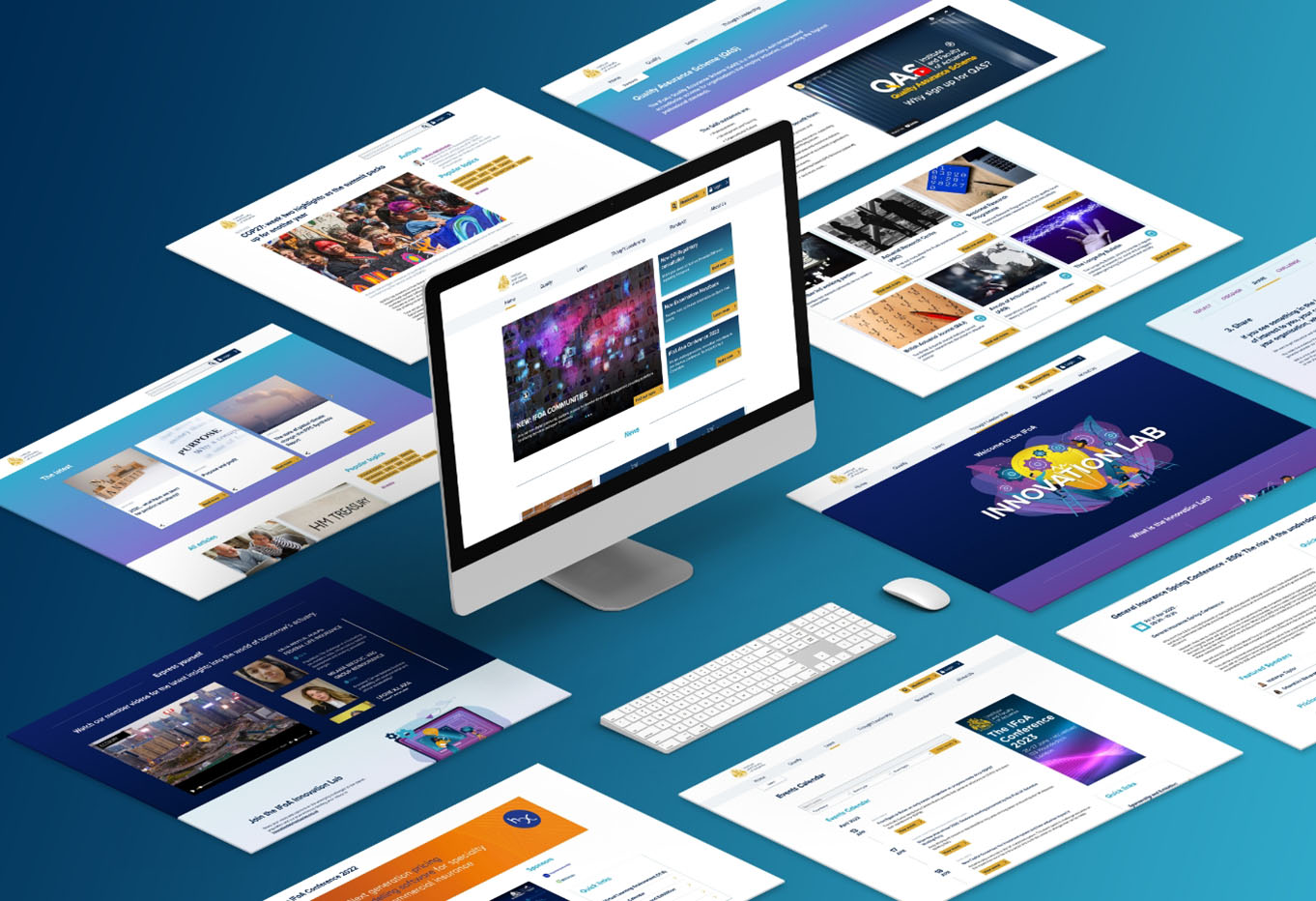
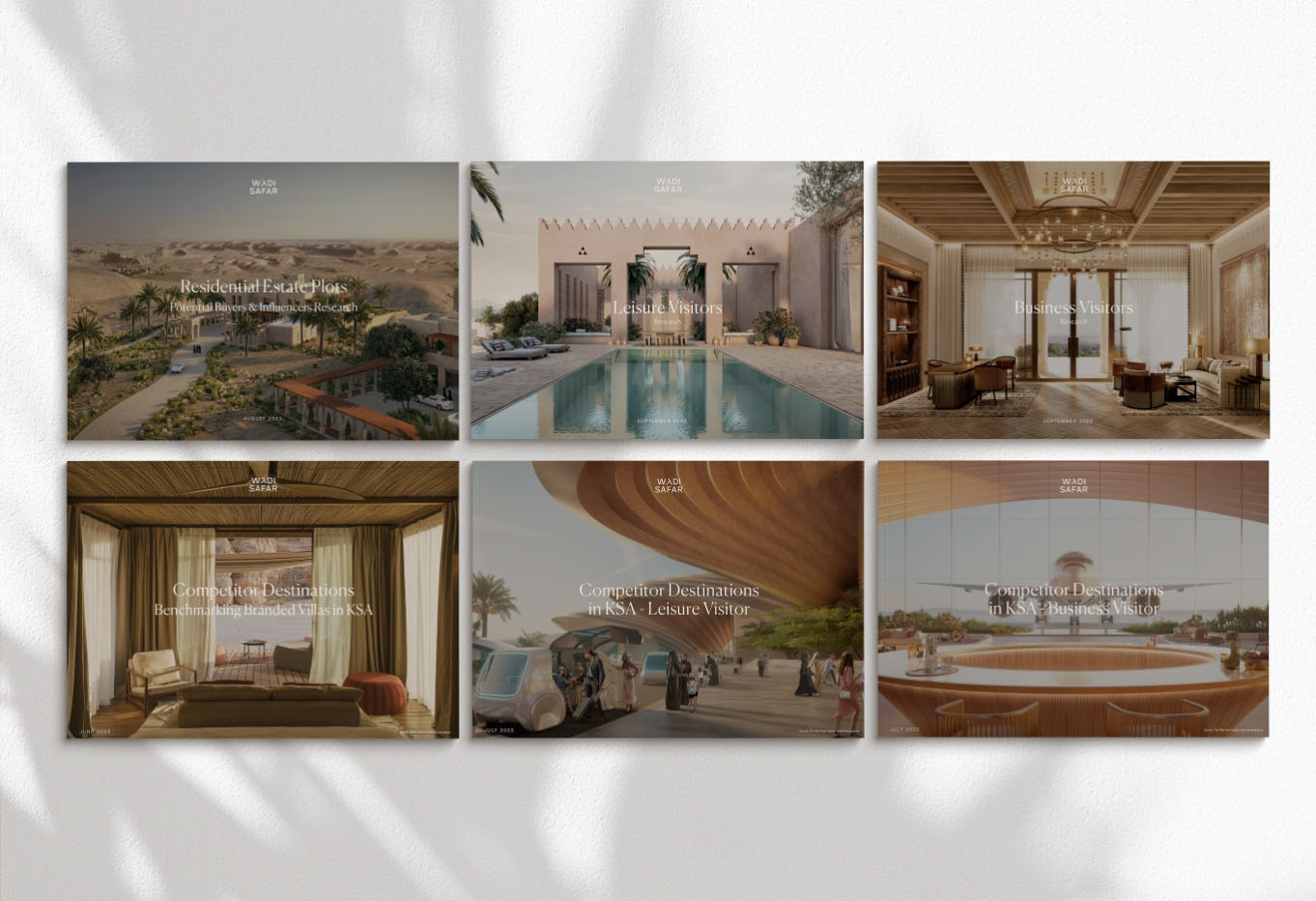
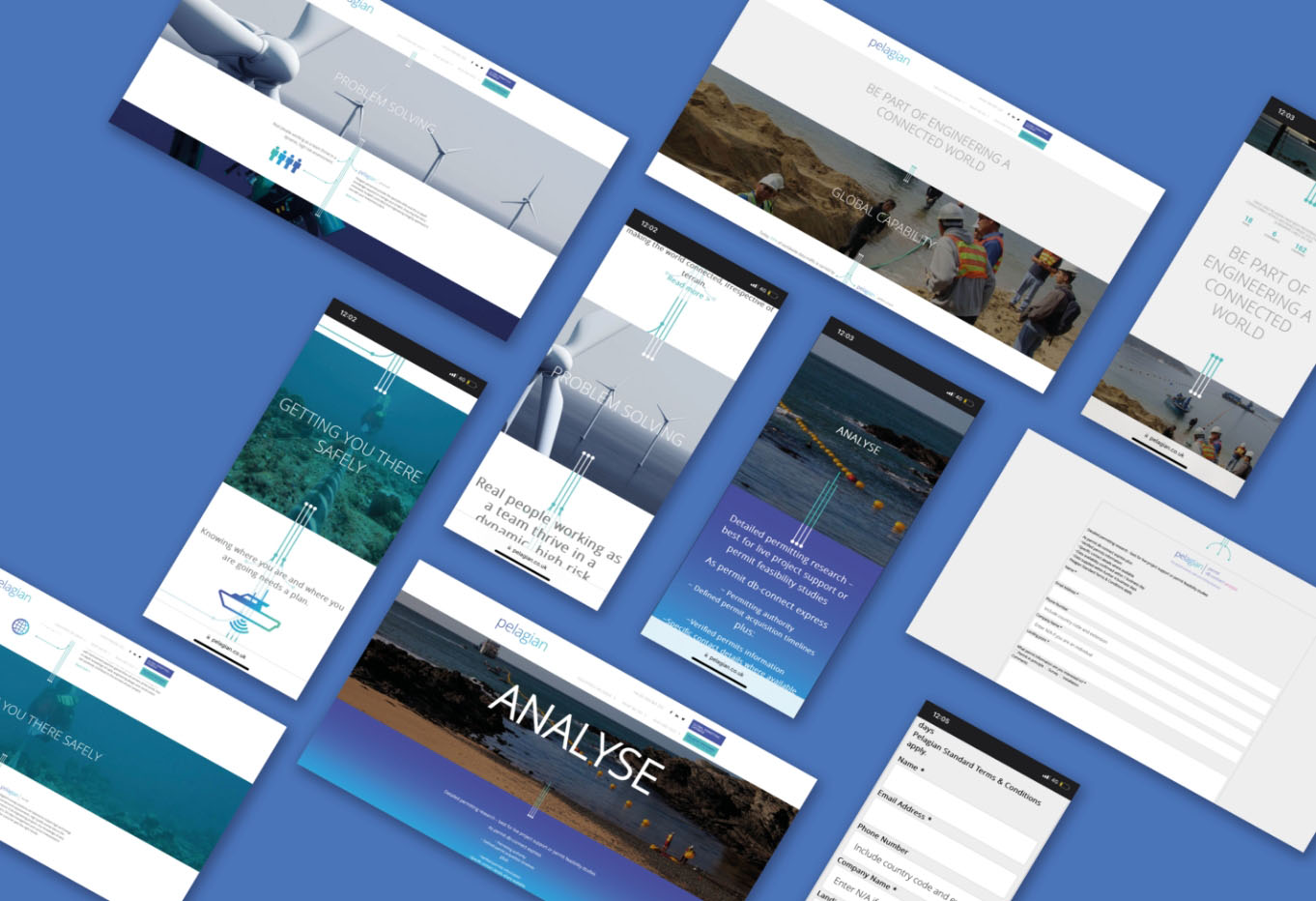
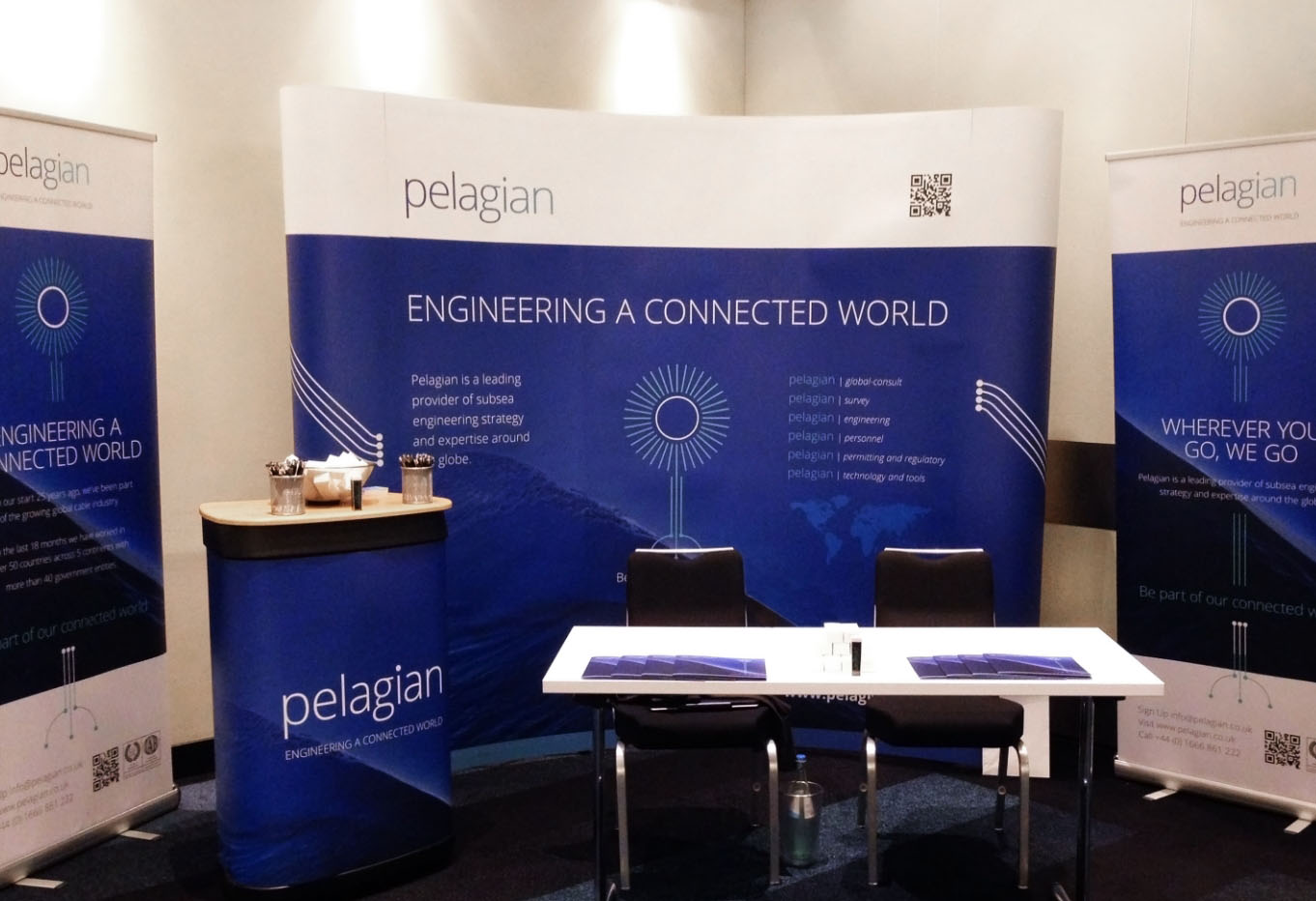
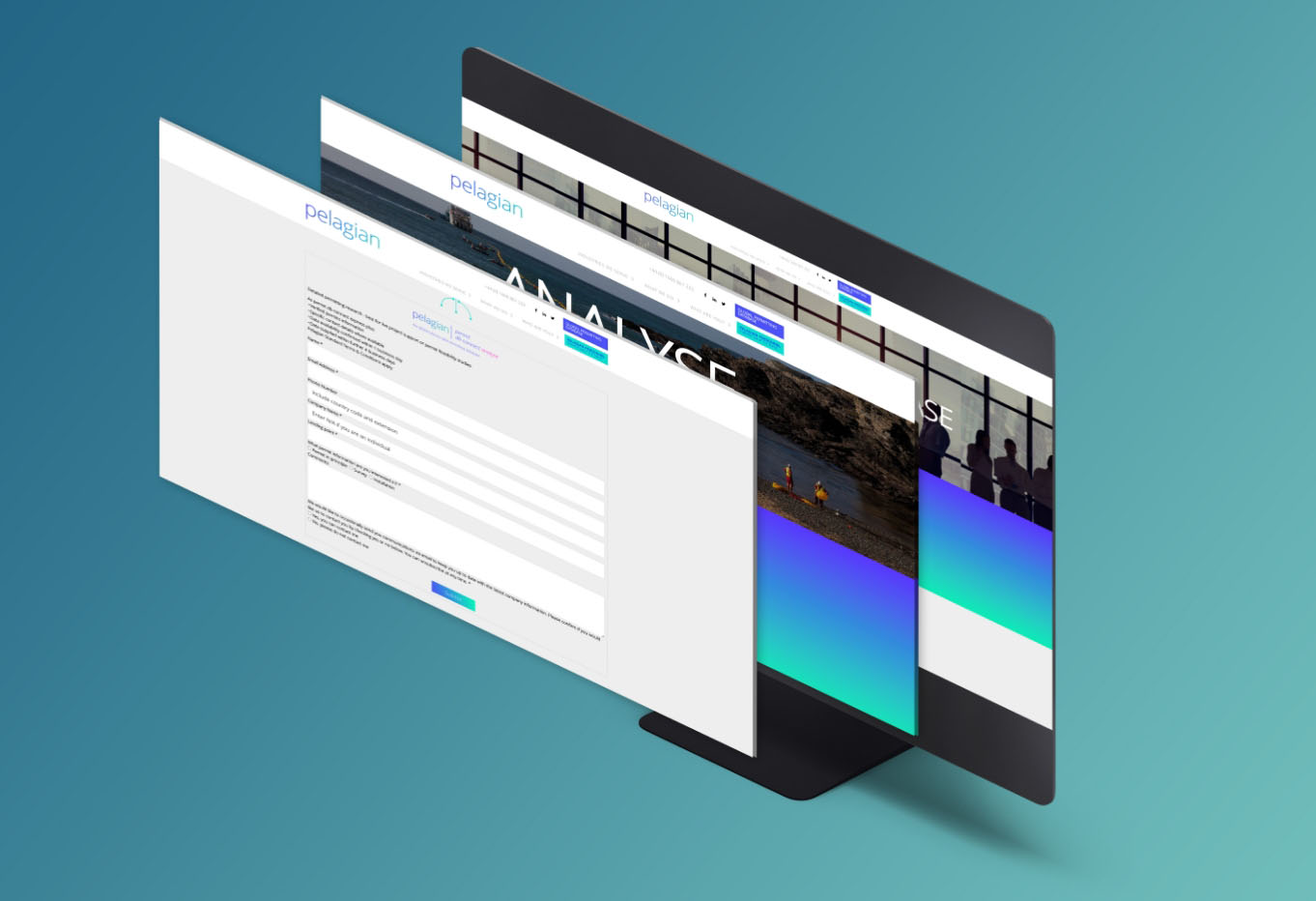
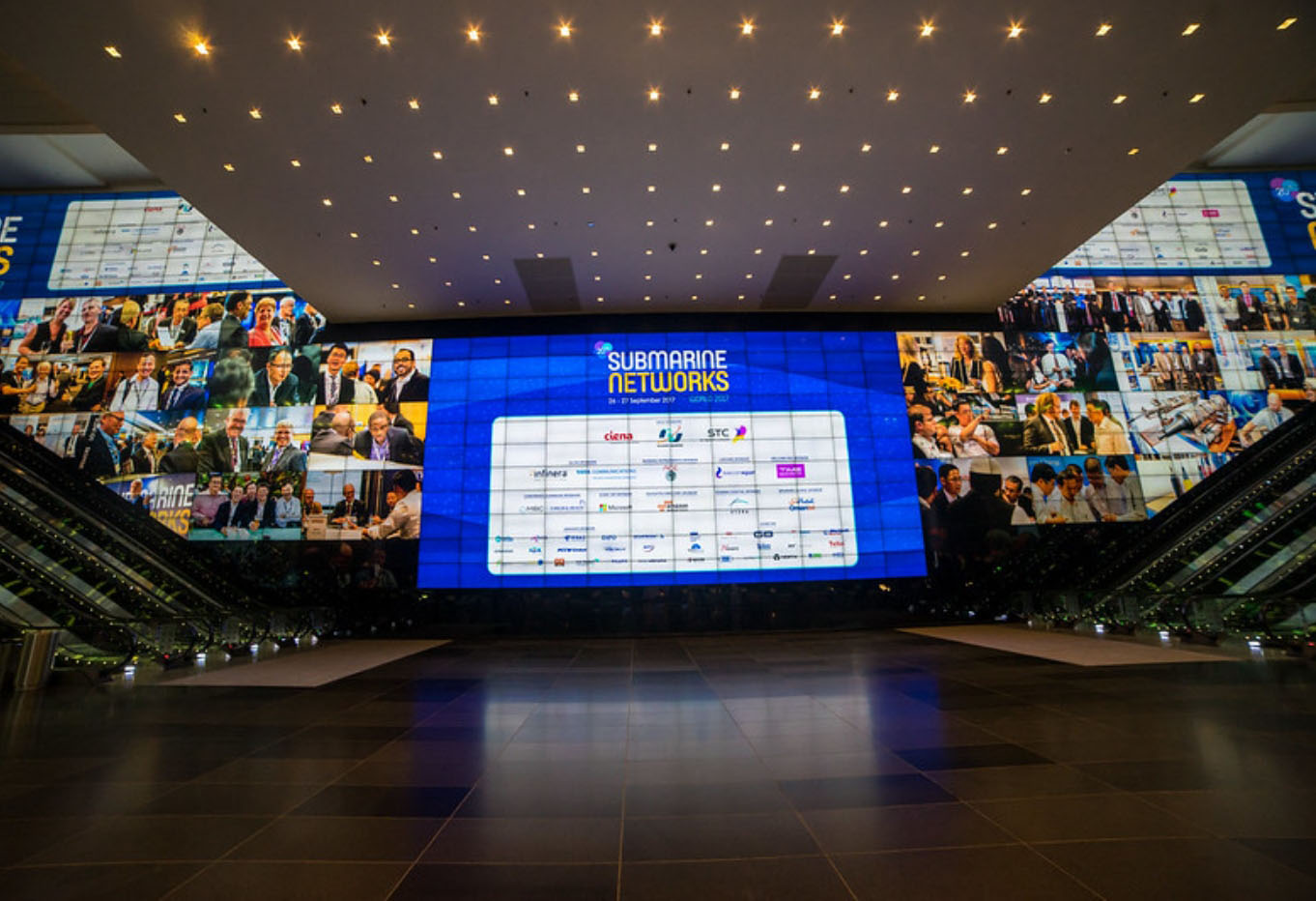
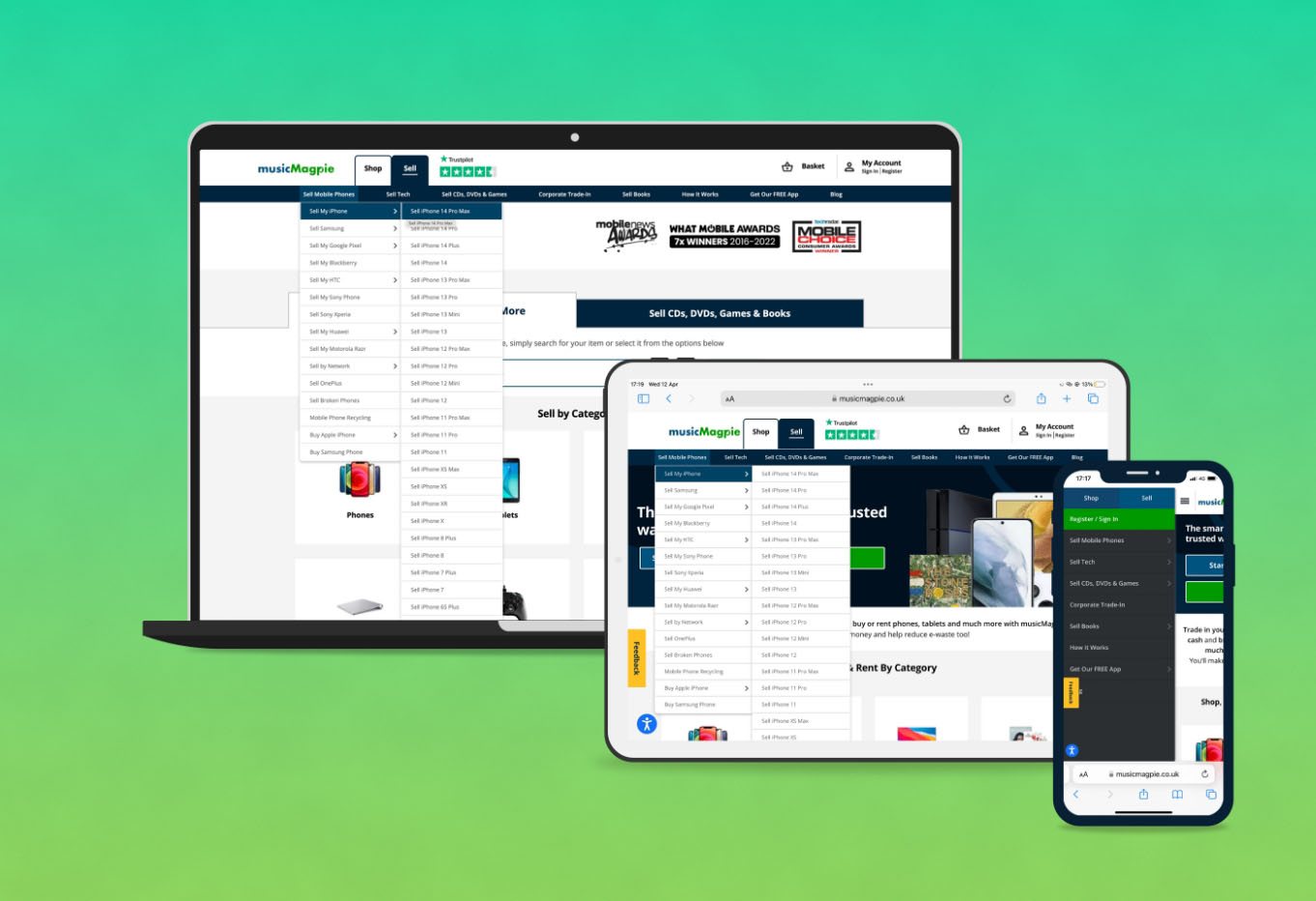
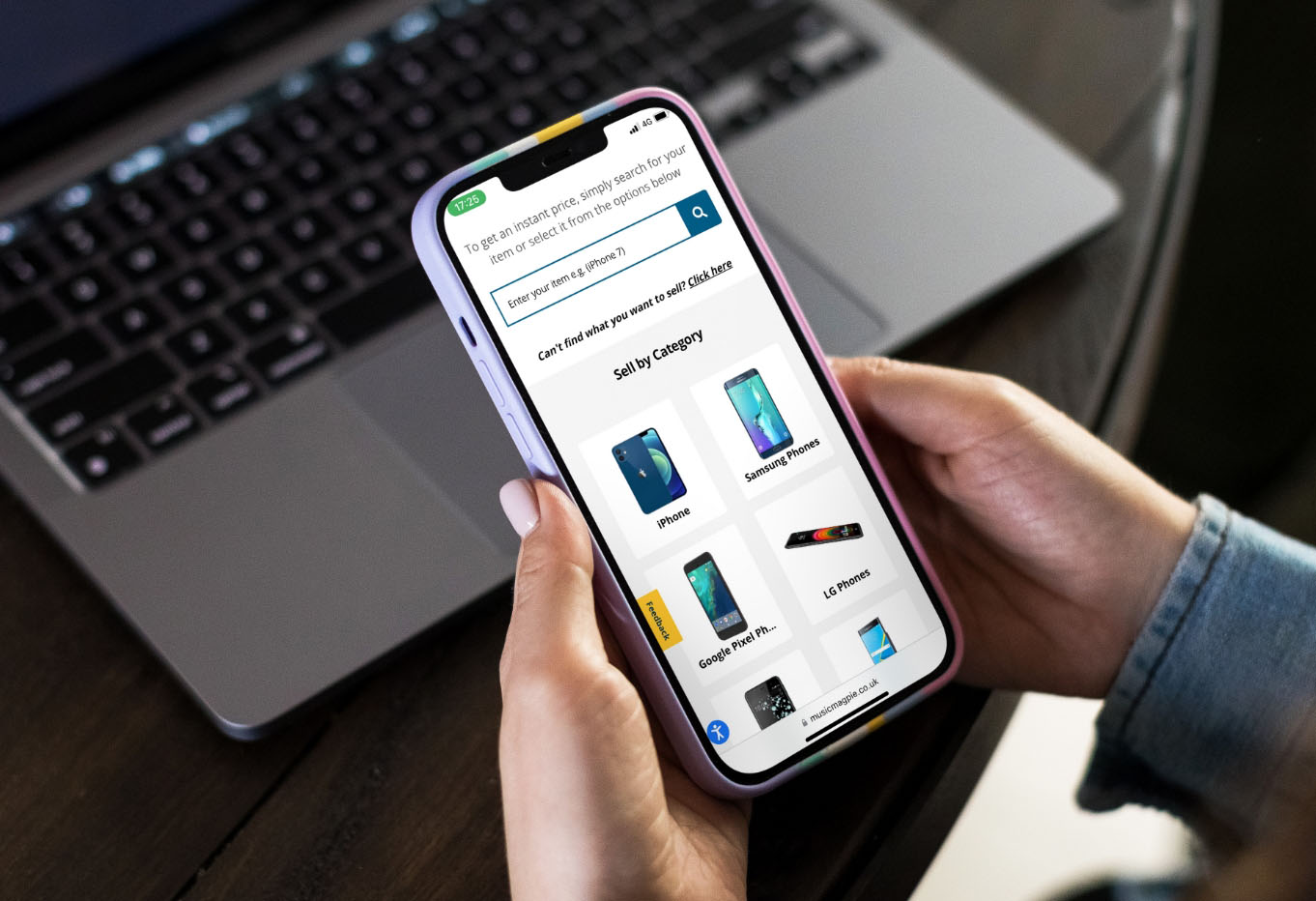
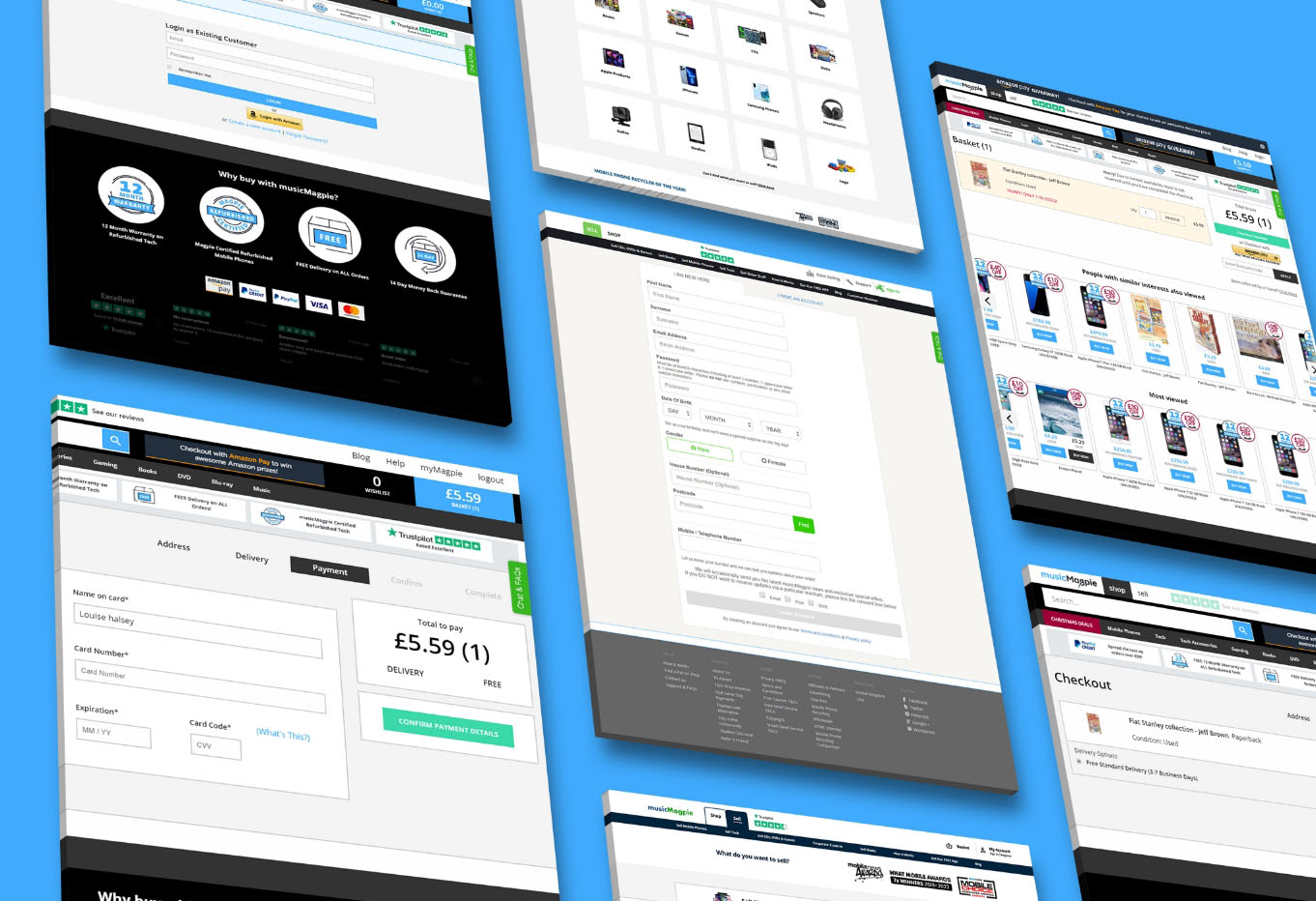
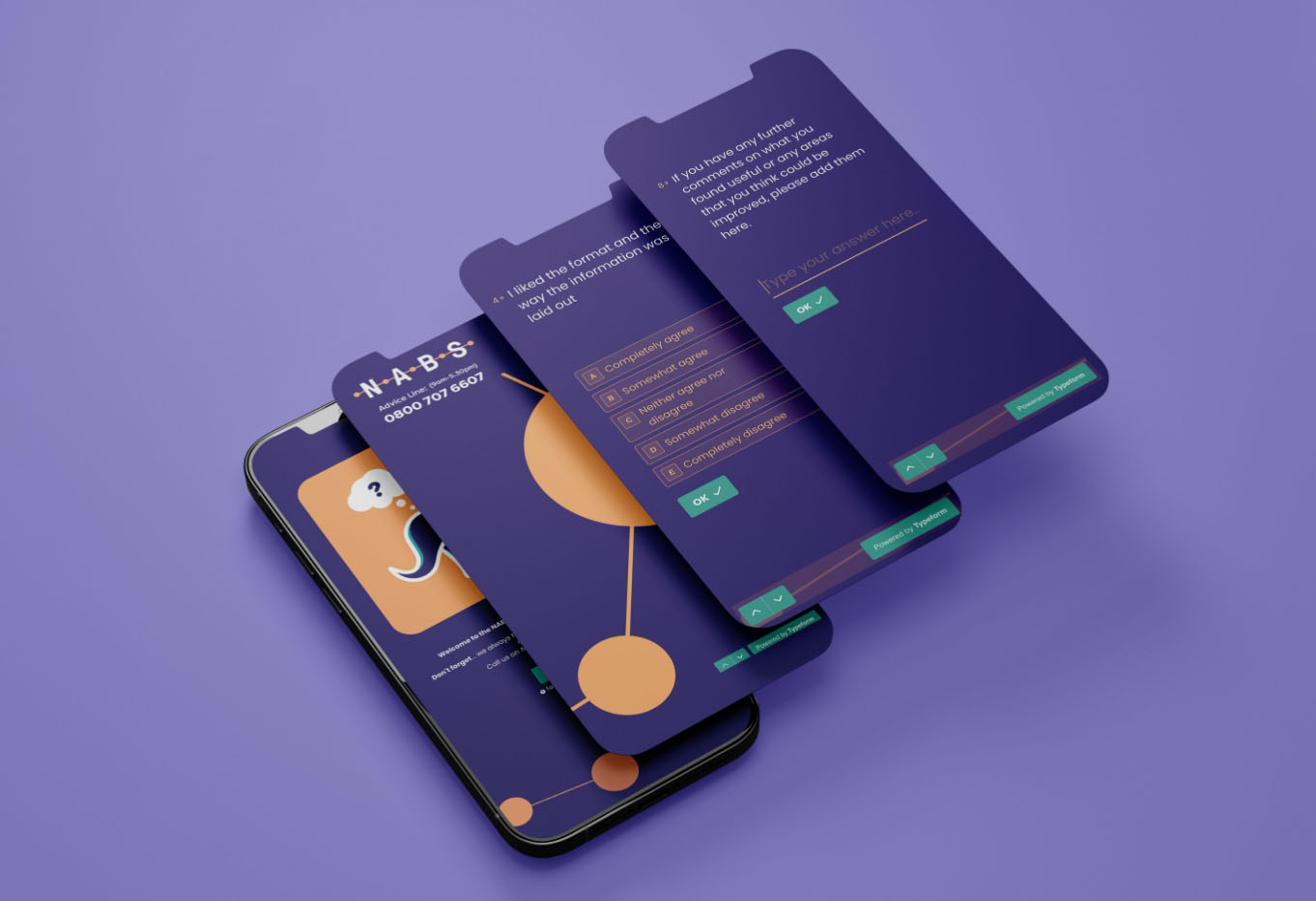
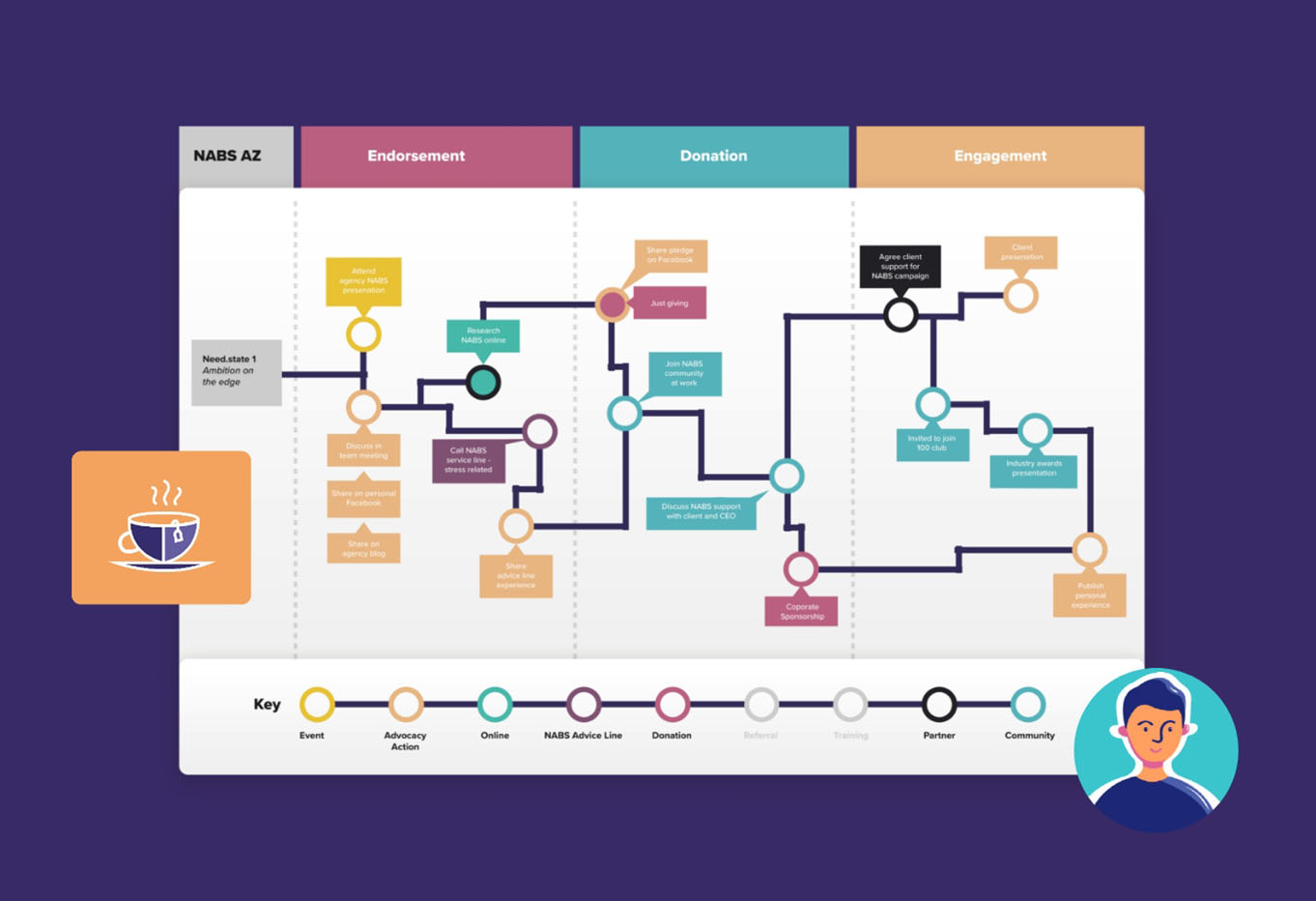
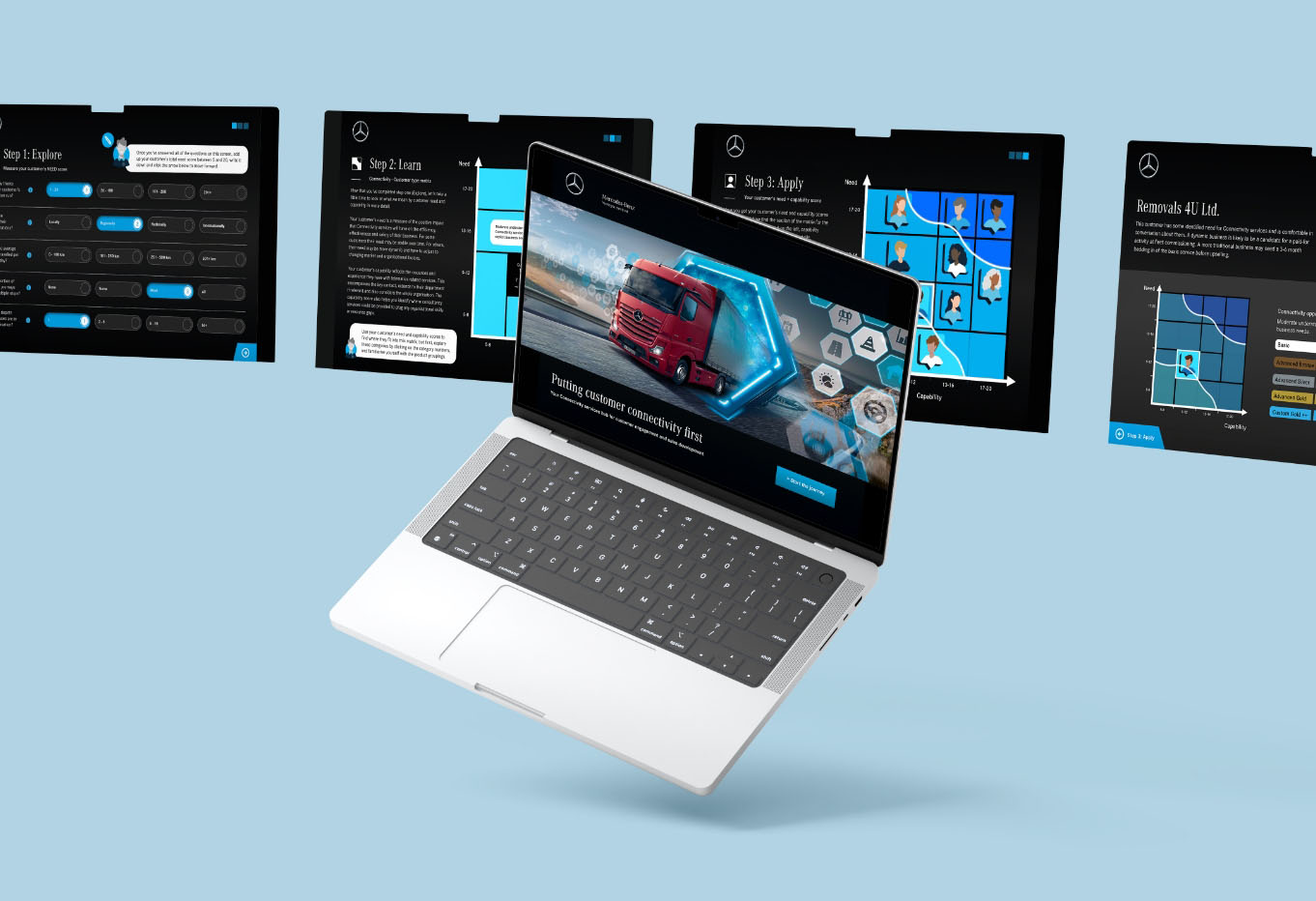
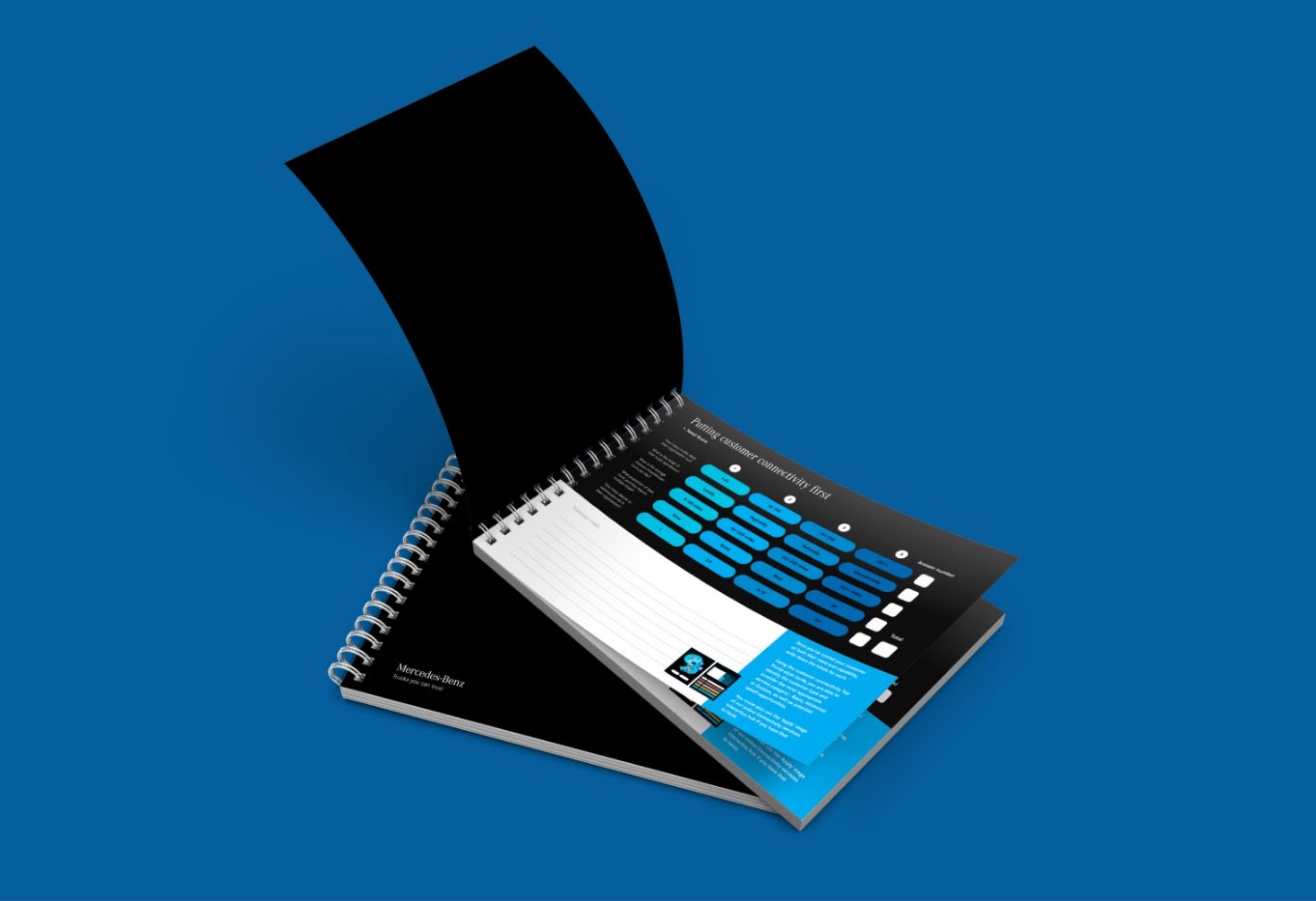
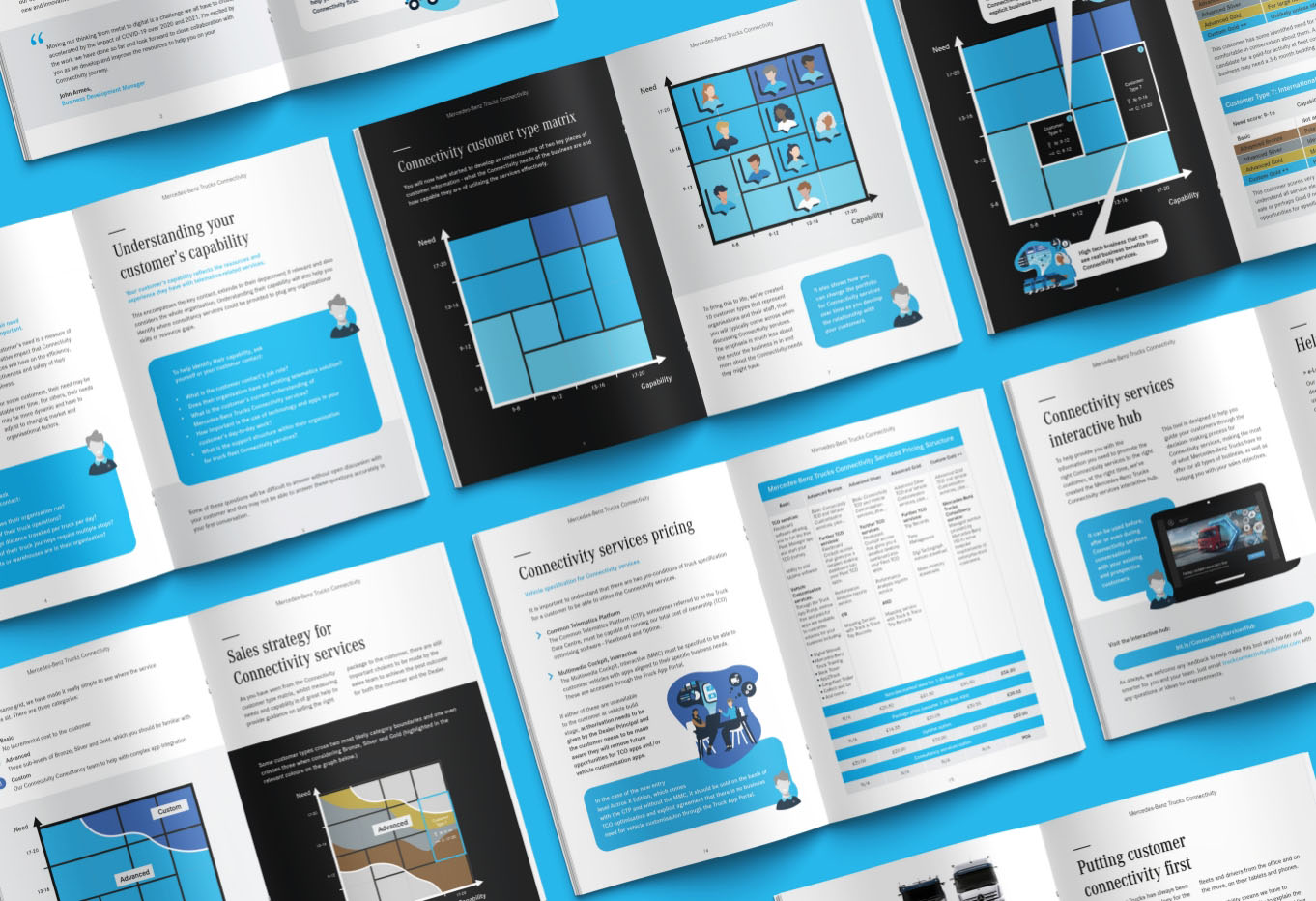
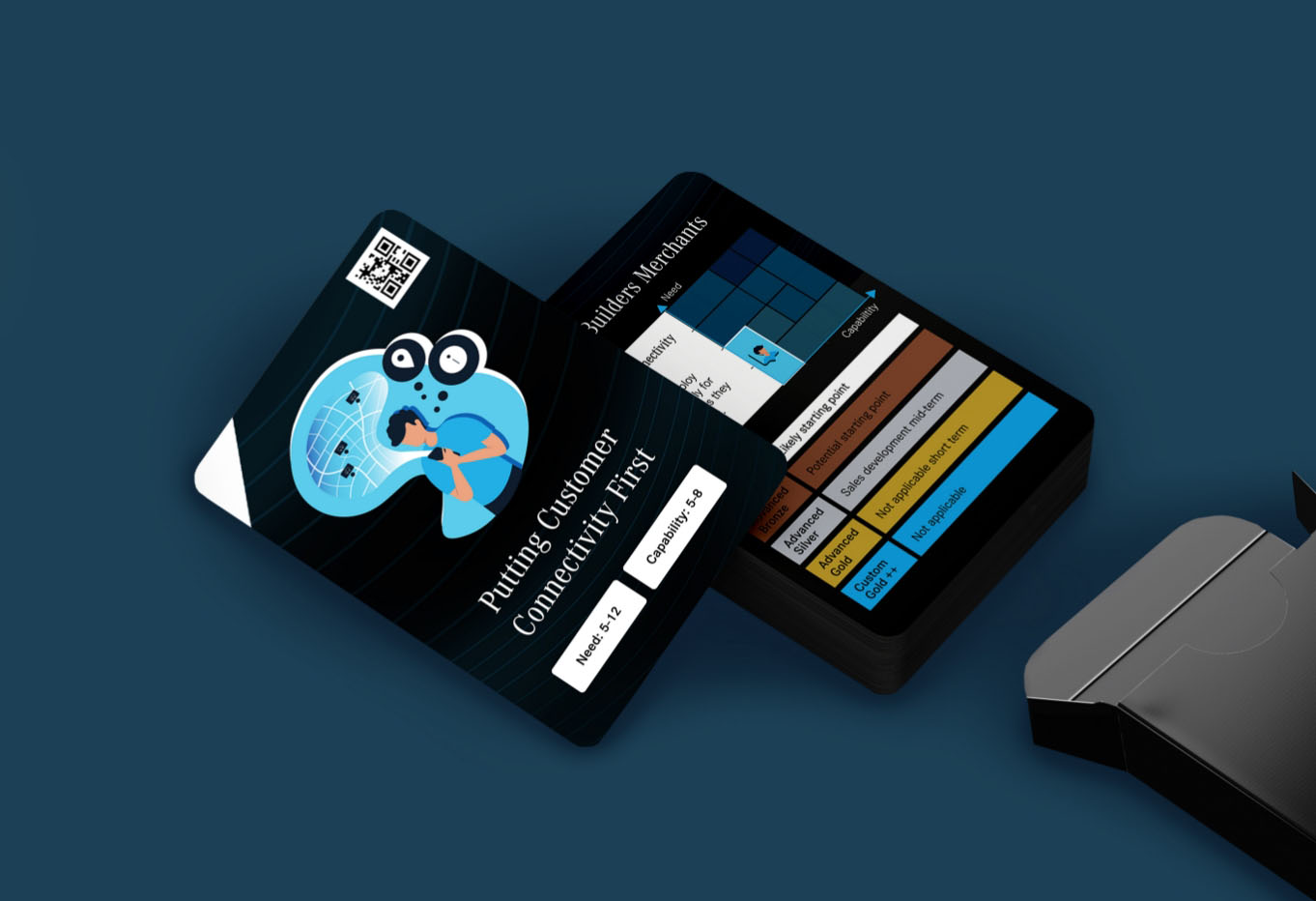
Institute and Faculty of Actuaries Creation and development of innovative insight driven CX strategy for this 30,000-strong unique professional membership organisation. Diriyah Gate Development Authority Development of research-based customer experience strategy, from ideation to realisation, for one of the globally recognised giga-projects in Saudi Arabia’s ‘Vision 2030’ strategy. Pelagian Brand strategy to target top-tier stakeholders (Google, Amazon, Meta) for this global subsea engineering specialist. Music Magpie Creation of a technical strategy for placing the website at the heart of customer experience for this market leading brand. NABS Need.state driven customer journey and strategy reassessment for NABS - the support organisation for the advertising and media industry. Mercedes-Benz Trucks Innovative design and development of online and print sales collateral to support complex services selling of Truck Connectivity services. Mercedes-Benz Vans Ongoing customer insight and experience strategy for this globally recognised commercial vans brand.Featured Work
02 Strategy implementation development.
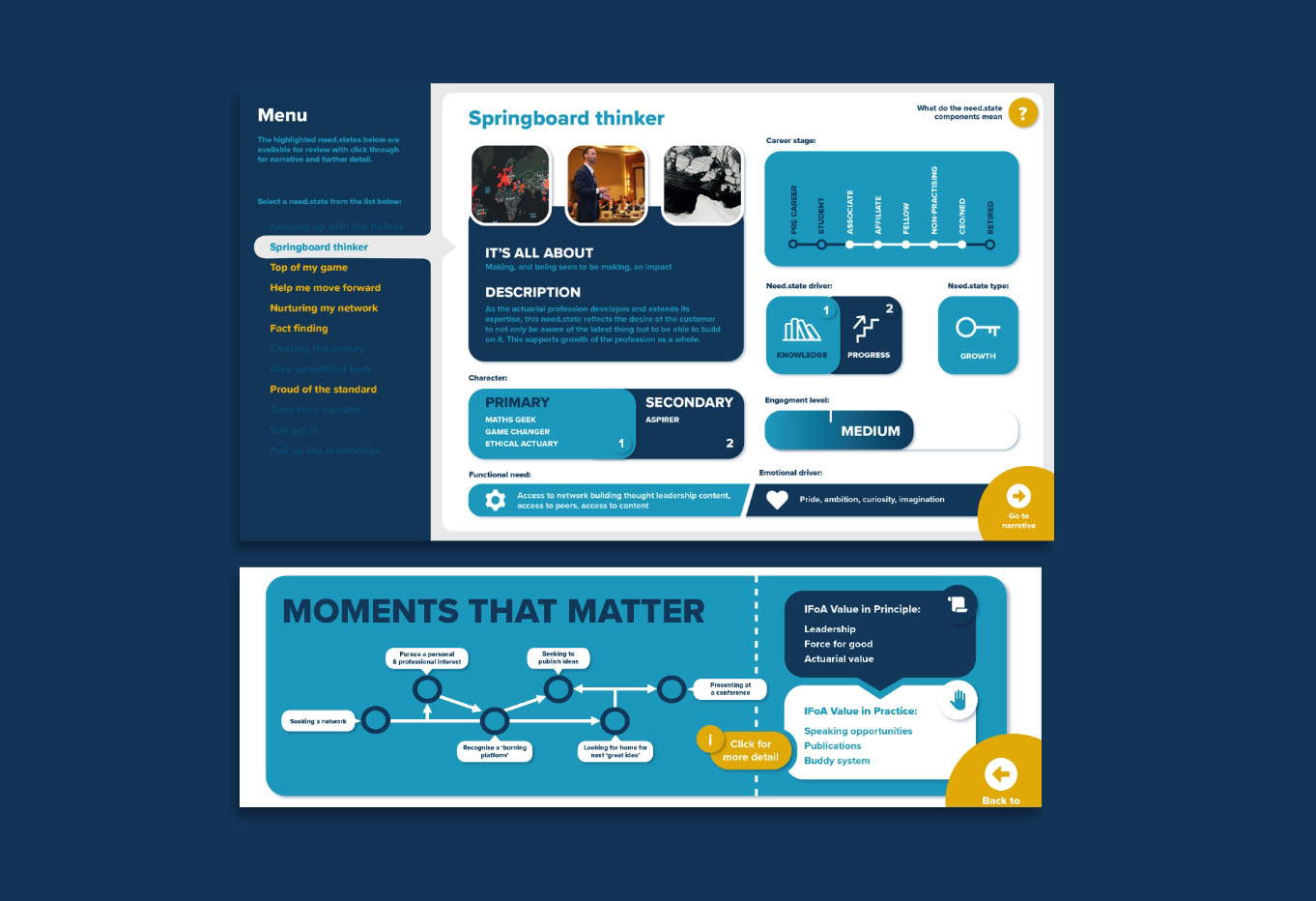
03 Need.state research and insight, with actionable reports.
04 Website and digital strategy development.
05 Call-to-action video strategy and production.

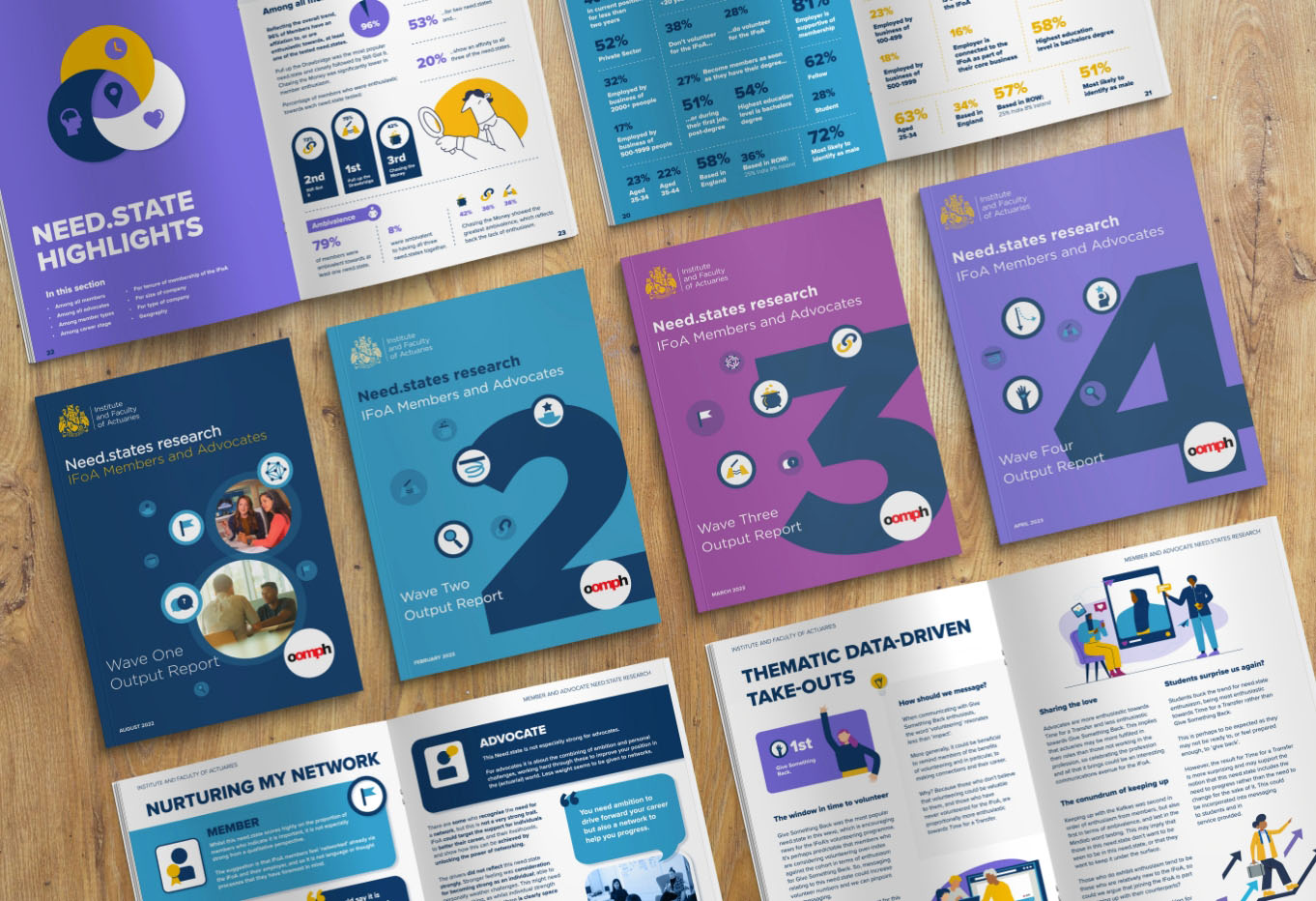
02 Member Experience programme development.
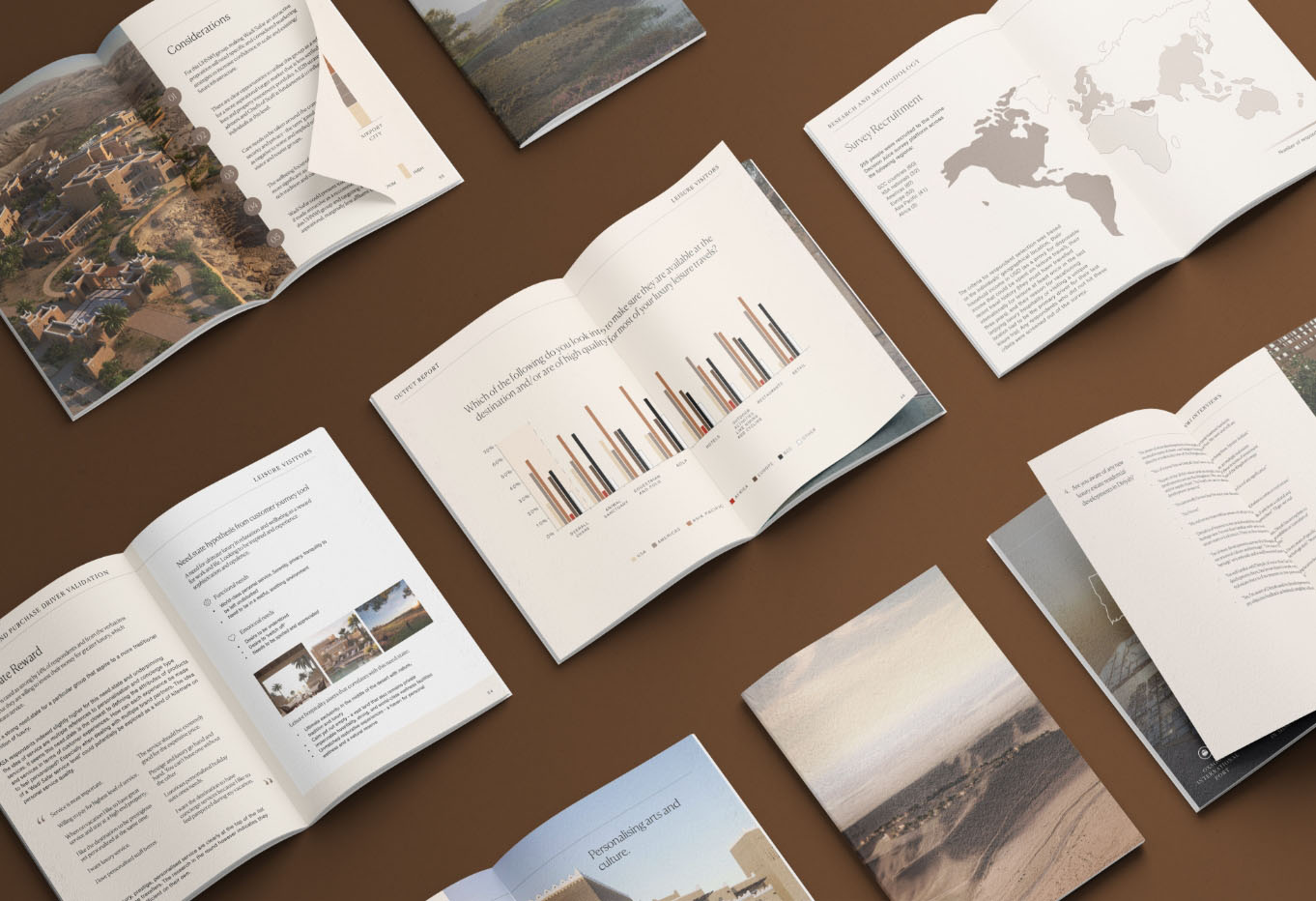
03 Thought leadership reports.
04 Immersive customer journey mapping and creative experience.
05 Multi-sensory journey ideation and production for global event.
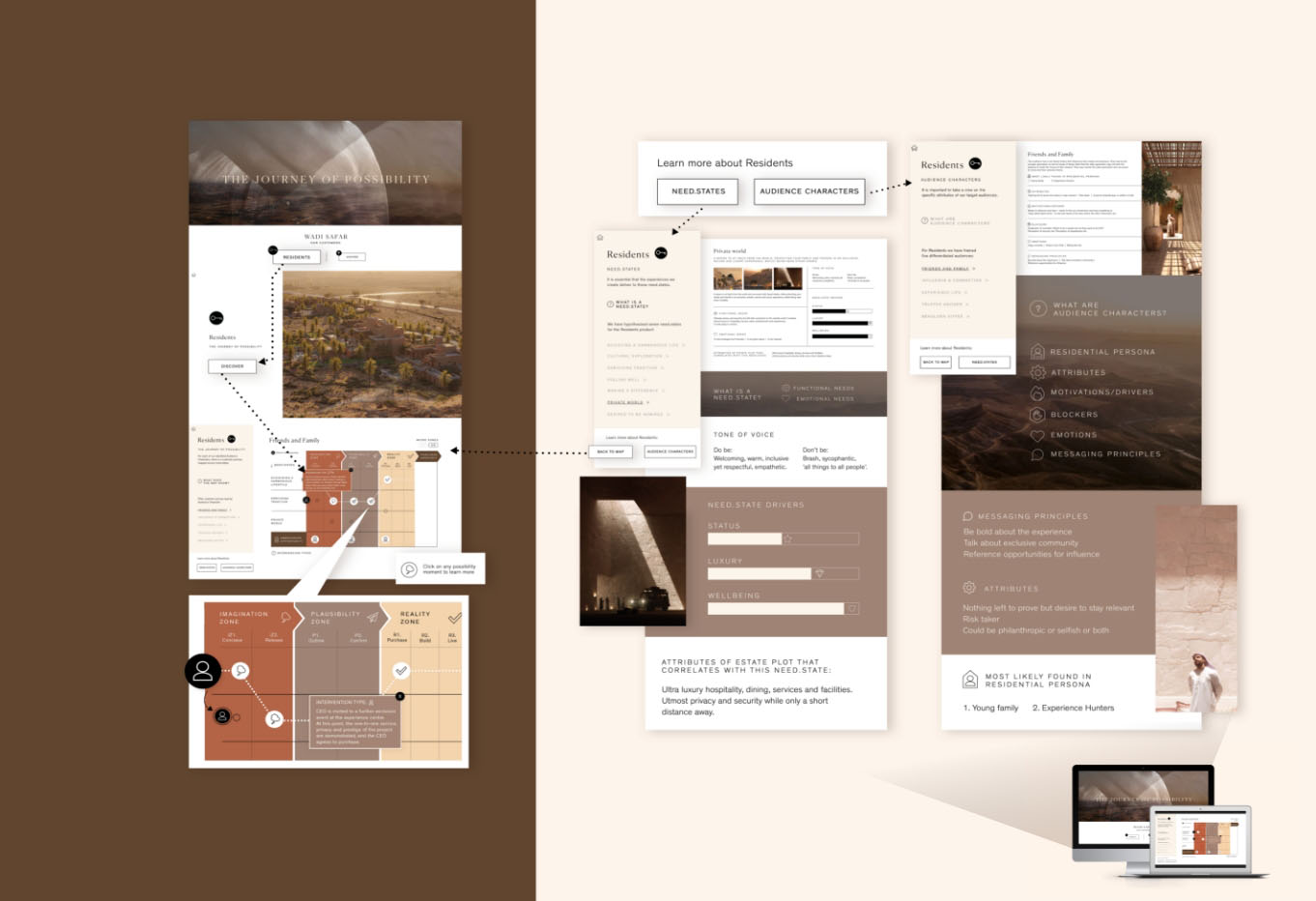
02 CX/UX Strategy.
03 Creation of an online database of global B2B stakeholders.
02 CX and/ UX strategy.
03 Build of Umbraco driven e-commerce platform (web and mobile) for expanding global customer base.
02 Identification of advocacy and donation opportunities.
03 Creation of web-based prototype as access point for members support services.

02 Data analysis.
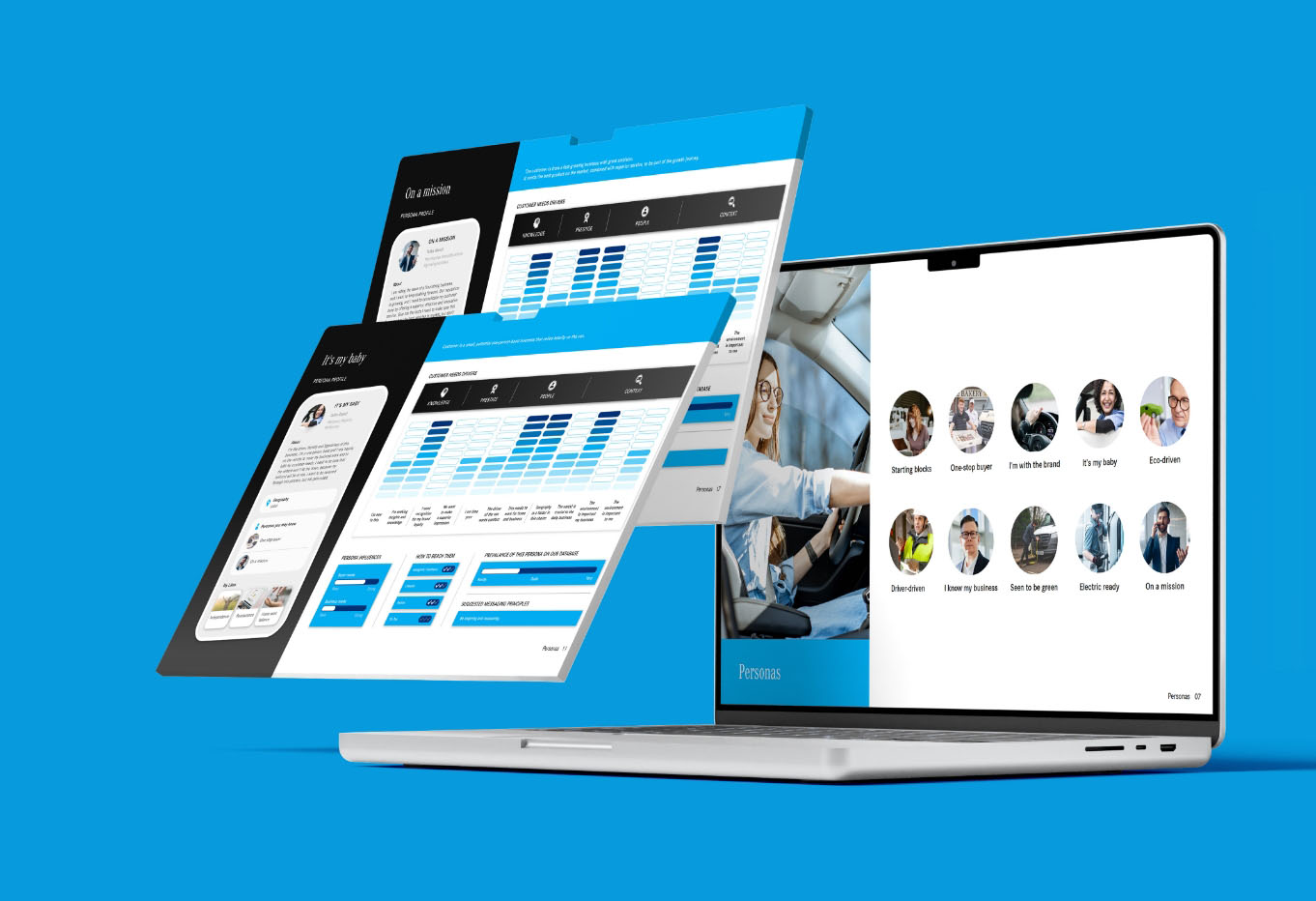
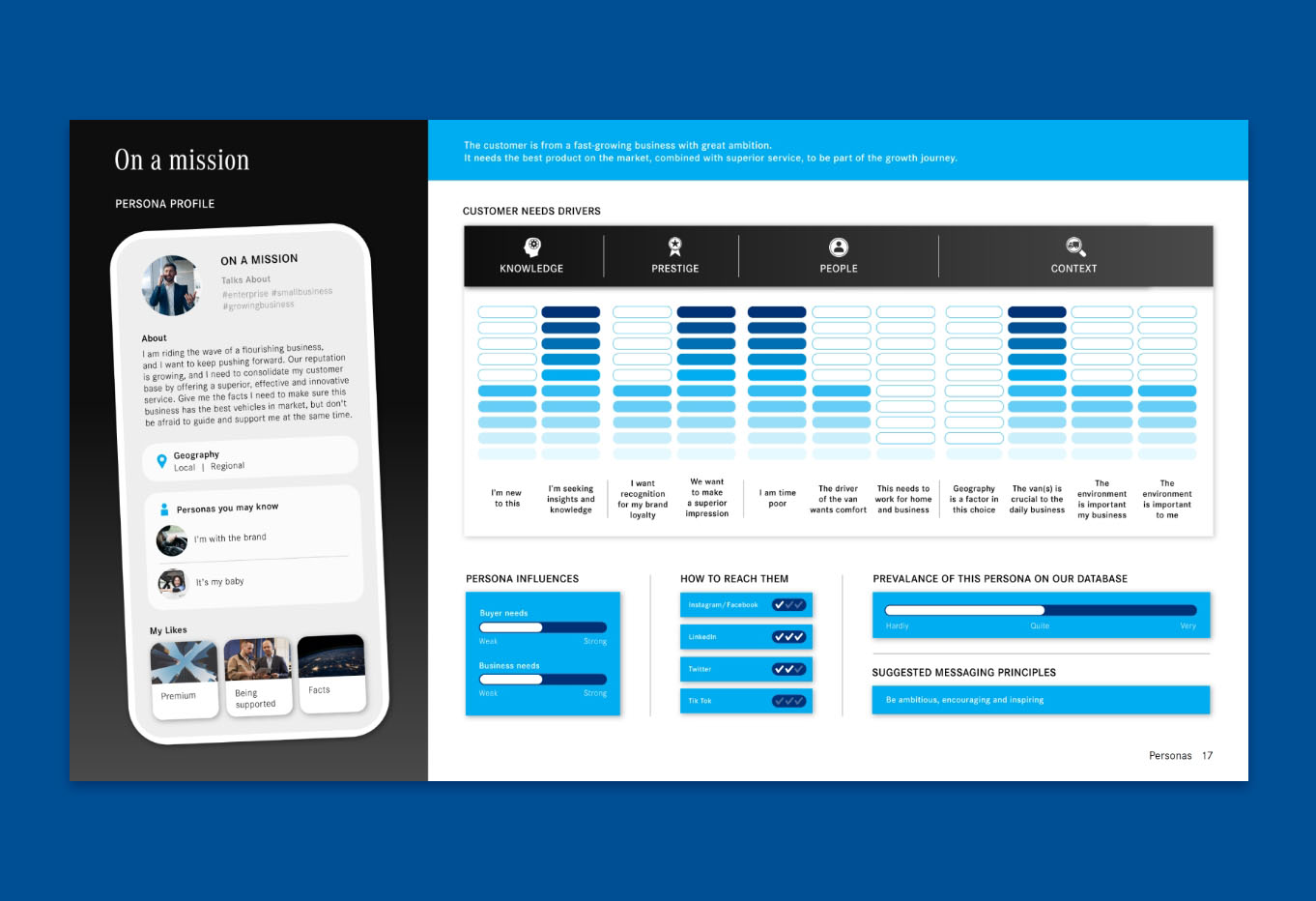
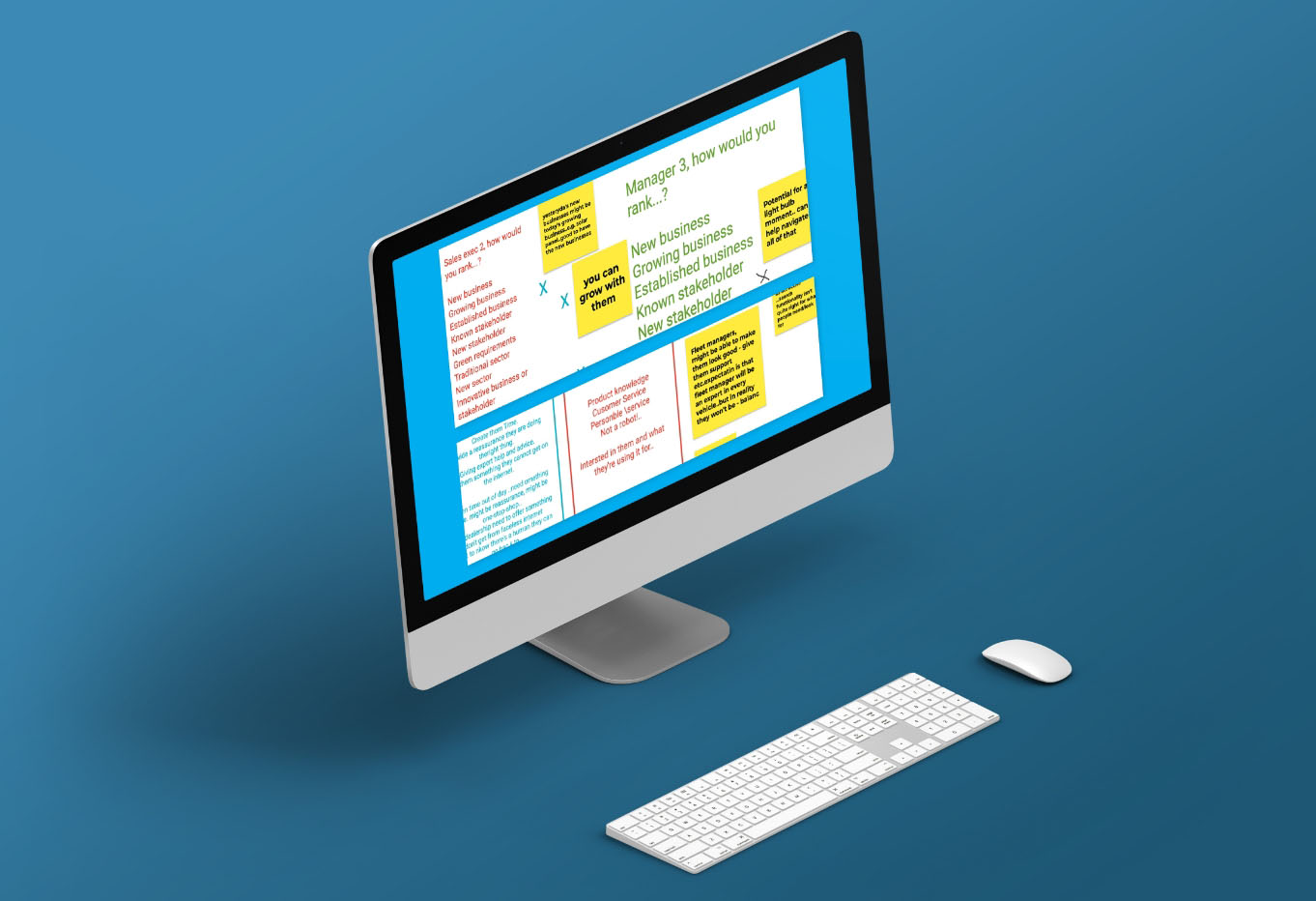
03 Development of need.state driven persona strategy in a constantly evolving market.

A group of CX-centred enterprises that consider their impact on
people and planet as well as their clients’ customers.

Decision Juice
Sister agency in OMP and our go-to platform for innovative ‘massqual’ research and insight.

Relative Insight
Technical and research partner to oomph integrating text based sentiment and emotion analysis with our Decision Juice output.

Panelbase
Associate company in the OMP group providing access to global panels of respondents for all research sectors.

Carbon Six Digital
Associate company in OMP group with expertise in deep technical development and infrastructure.

Station 10
Associate company in OMP group leading on data science and big data initiatives.

X-ii
OMP initiative delivering insight to the CX community into the impact of external factors on customer experience and behaviour change.

Umbraco
oomph is an Umbraco Gold Partner for the Middle East region. Umbraco is a world leading open source .NET based CMS.
























 oomph agora